Creator Studio: A New Era of Creativity on Apple Devices
If you had told me a few years ago that I could run a full creative studio from my Apple devices—brainstorming ideas, editing photos, organising projects, and producing polished content all in one seamless flow—I probably wouldn’t have believed you. But here we are in 2026, and Creator Studio has genuinely changed the way I approach creativity.
As someone who loves photography, storytelling, and digital tools, I’ve been diving deep into what Apple’s ecosystem can offer. Two apps, in particular, have stood out to me: Freeform and Pixelmator Pro. Together, they feel like the backbone of a modern creator’s workflow.
In this blog, I’m going to take you through my full experience—what I love, how I use it, why it feels “next level,” and whether it’s actually worth the $19.99 per month you mentioned.
The Rise of Creator Studio
Apple has always positioned itself as a company for creatives. From musicians using GarageBand to filmmakers using Final Cut Pro, the Apple ecosystem has long been associated with creativity. But now, things feel different.
Instead of just offering powerful individual apps, Apple is moving toward something more integrated—a creator ecosystem. That’s what I think of as Creator Studio.
It’s not just one app. It’s a combination of tools working together:
Idea generation
Visual planning
Photo editing
Content organisation
Seamless syncing across devices
And the magic? It all feels effortless.
Why Freeform Is a Game-Changer
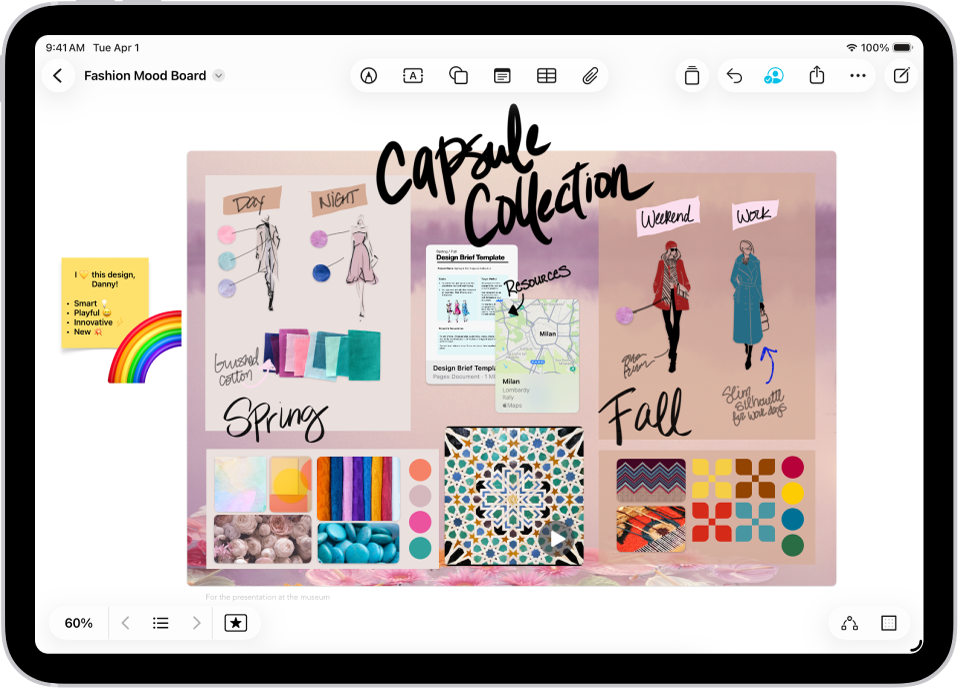
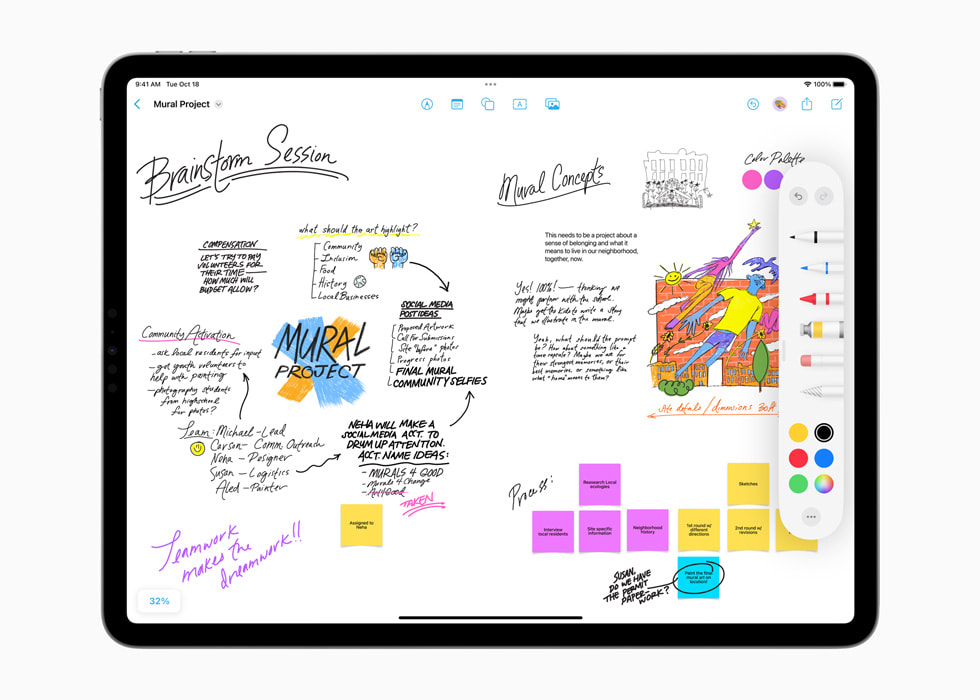
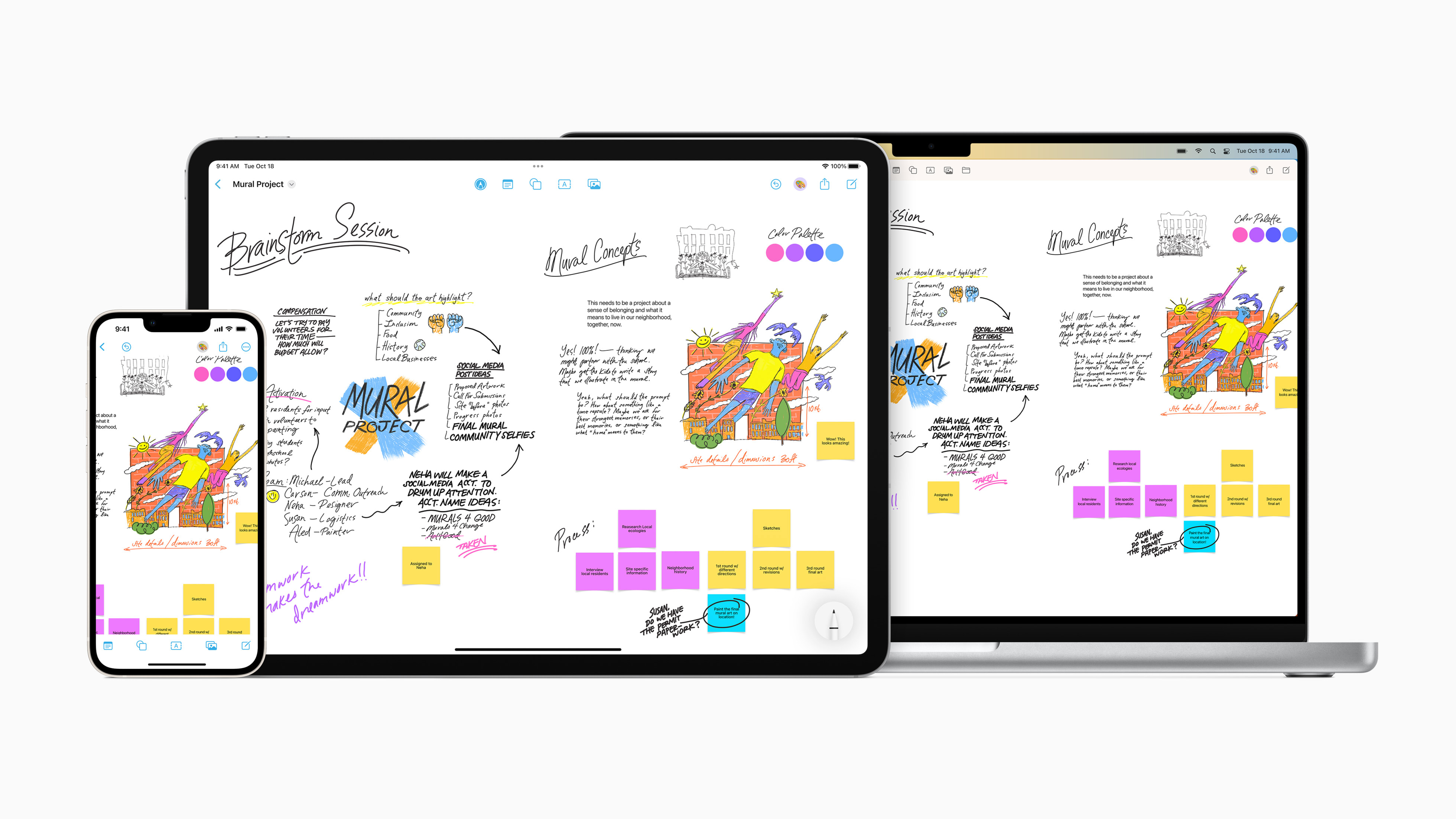

Let’s start with the app I didn’t expect to love as much as I do: Freeform.
Freeform is Apple’s infinite canvas app—and honestly, calling it just a “whiteboard” doesn’t do it justice.
What Makes Freeform Special?
Freeform gives you a blank, endless space where you can drop:
Photos
Notes
Links
Drawings
Stickers
Files
There’s no structure forced on you. That’s the beauty of it.
For someone like me (and probably you too), creativity doesn’t happen in neat folders—it’s messy, visual, and evolving. Freeform embraces that.
How I Use Freeform
Here’s how I personally use it in my creative workflow:
1. Mood Boards for Photography
I love collecting inspiration. With Freeform, I can:
Drop in photos I like
Arrange them visually
Add notes next to them
Build a “vibe” for a shoot
It’s like Pinterest—but better, because it’s fully custom.
2. Planning Content (Like This Blog!)
Before writing anything, I map it out in Freeform:
Title ideas
Sections
Key points
Visual layout
It helps me see the structure before I write.
3. Using Photos in Creative Ways
You mentioned how much you love the awesome photos in Freeform—and I completely agree.
Being able to drag, resize, overlap, and organise images freely makes it feel like a real creative workspace—not just an app.
Why It Feels Different
Freeform isn’t about productivity—it’s about freedom.
That’s a huge shift.
Most apps try to organise you. Freeform lets you think.
Pixelmator Pro: Next-Level Editing
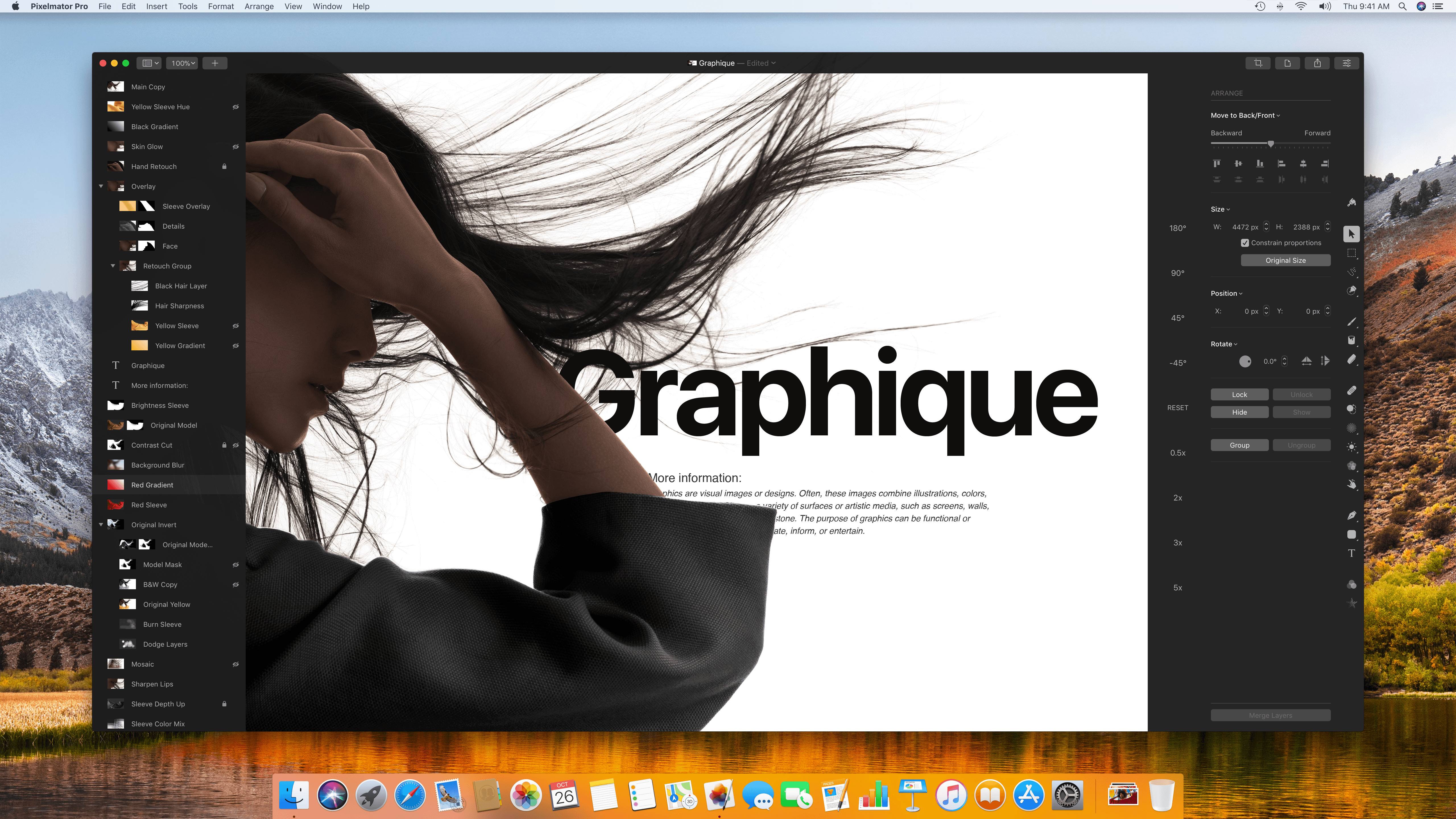
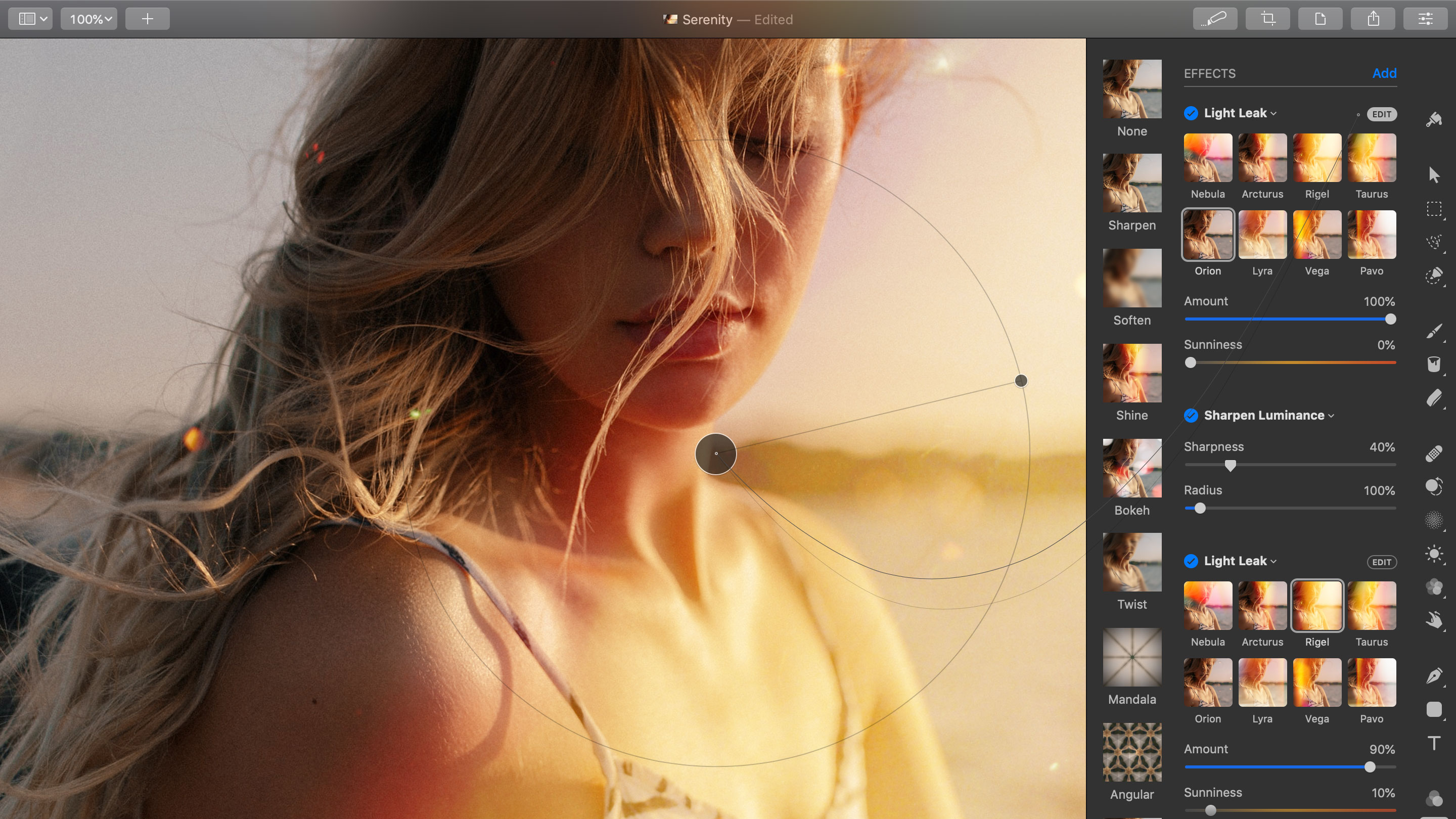
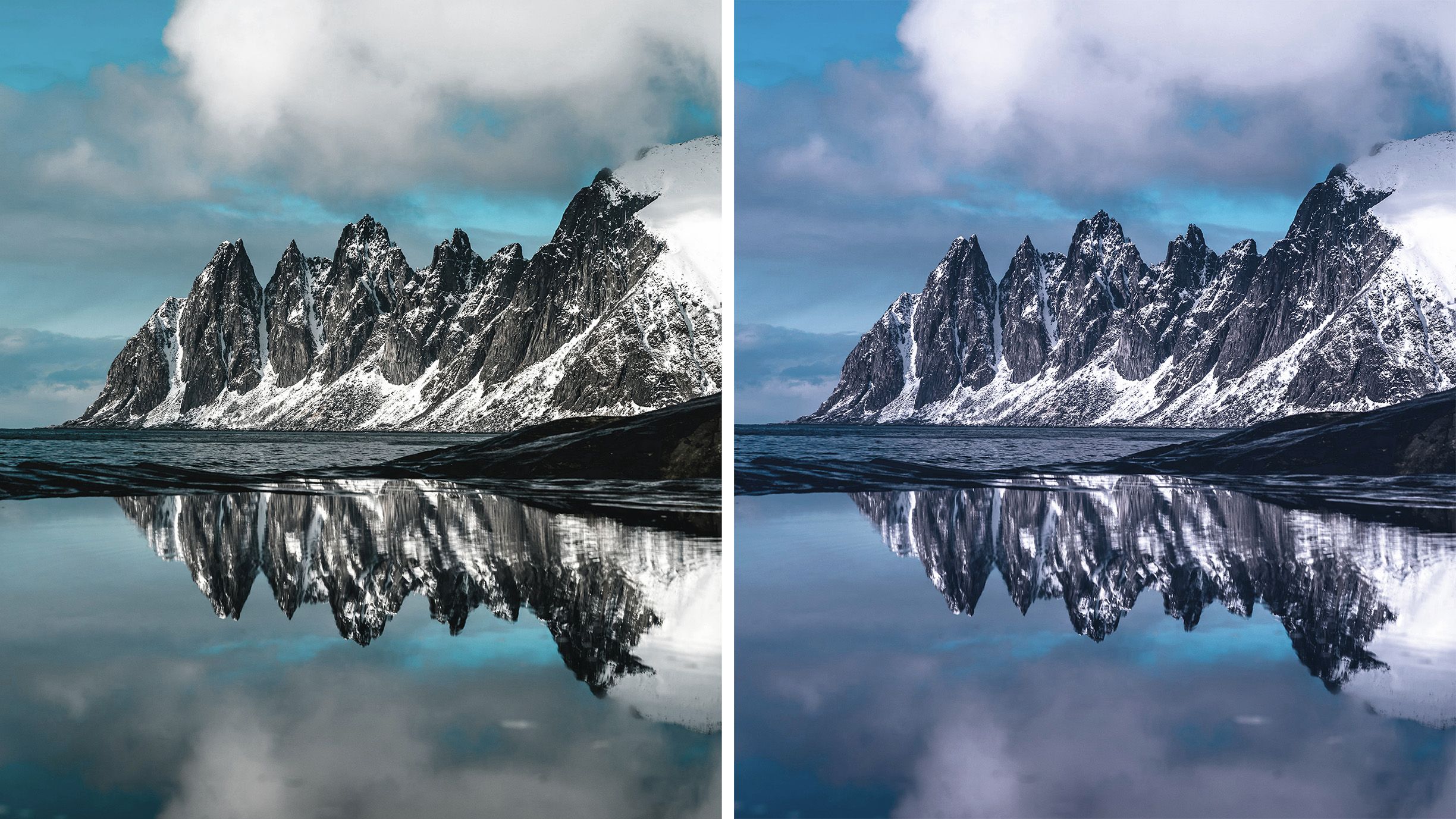
Now let’s talk about where the magic happens: editing.
Pixelmator Pro has seriously impressed me.
First Impressions
When I first opened Pixelmator Pro, I noticed two things:
It looks clean and simple
It’s actually incredibly powerful
That combination is rare.
What Makes It “Next Level”
1. AI-Powered Tools
Pixelmator Pro uses machine learning for:
Auto enhancements
Background removal
Smart selections
And it’s not just a gimmick—it actually works really well.
2. Professional Editing Features
You can do:
Colour grading
Retouching
Layer-based editing
RAW photo editing
It’s easily comparable to high-end tools—but feels much easier to use.
3. Speed and Performance
Because it’s built for Mac, it runs smoothly.
No lag. No frustration. Just flow.
Why I Prefer It
I’ve tried other editing tools, but Pixelmator Pro hits a sweet spot:
Powerful enough for serious work
Simple enough to enjoy using
That’s what makes it “next level” for me.
The Power of Using Both Together
This is where things really click.
Using Freeform + Pixelmator Pro together creates a full creative loop:
Brainstorm in Freeform
Collect and organise photos
Edit them in Pixelmator Pro
Bring them back into Freeform
Build your final content
It feels like having your own personal studio.
The $19.99 Question: Is It Worth It?
You mentioned $19.99 per month—and honestly, that’s pretty reasonable depending on what’s included in your setup.
Let’s break it down.
What You’re Getting
Creative planning (Freeform)
Professional editing (Pixelmator Pro)
Seamless Apple ecosystem
No complicated setup
Compared to Other Tools
Some alternatives cost:
$30–$80/month
Require steep learning curves
Feel disconnected
Apple’s approach feels more integrated and user-friendly.
My Honest Thoughts
Yes—it’s worth it if you’re actually using it.
If you’re:
Editing photos regularly
Creating content
Enjoying the process
Then it’s a great investment.
The Apple Ecosystem Advantage
One thing that makes Creator Studio so powerful is how everything connects.
You can:
Start a project on your iPhone
Continue on your iPad
Finish on your Mac
No friction. No file transfers. No headaches.
Creativity Feels Fun Again
This might sound simple, but it matters:
These tools make creativity fun.
Not stressful. Not overwhelming.
Just enjoyable.
Final Thoughts
So, what do I think about Creator Studio?
I think it’s one of the most exciting creative setups available right now.
Freeform gives you freedom
Pixelmator Pro gives you power
Apple ties it all together beautifully
And for someone like you—who loves photography and Apple products—it honestly feels like a perfect fit.
My Verdict
✔ Easy to use
✔ Powerful tools
✔ Great value
✔ Inspires creativity
It really is next level.


Comments
Post a Comment